Wryter gives you a quiet writing surface that looks like a traditional typed manuscript — Courier Prime in dark ink on a white page — so you can think about your story, not your software. It's a single idea built natively for every screen you write on: Mac, Windows, Linux, iPhone, iPad and Android.
Your drafts are plain Markdown files, so they're yours — sign in to your own Google Drive (or use iCloud, a synced folder, or just this device) and your whole library follows you between devices, from iPhone to Android to desktop.
What's inside
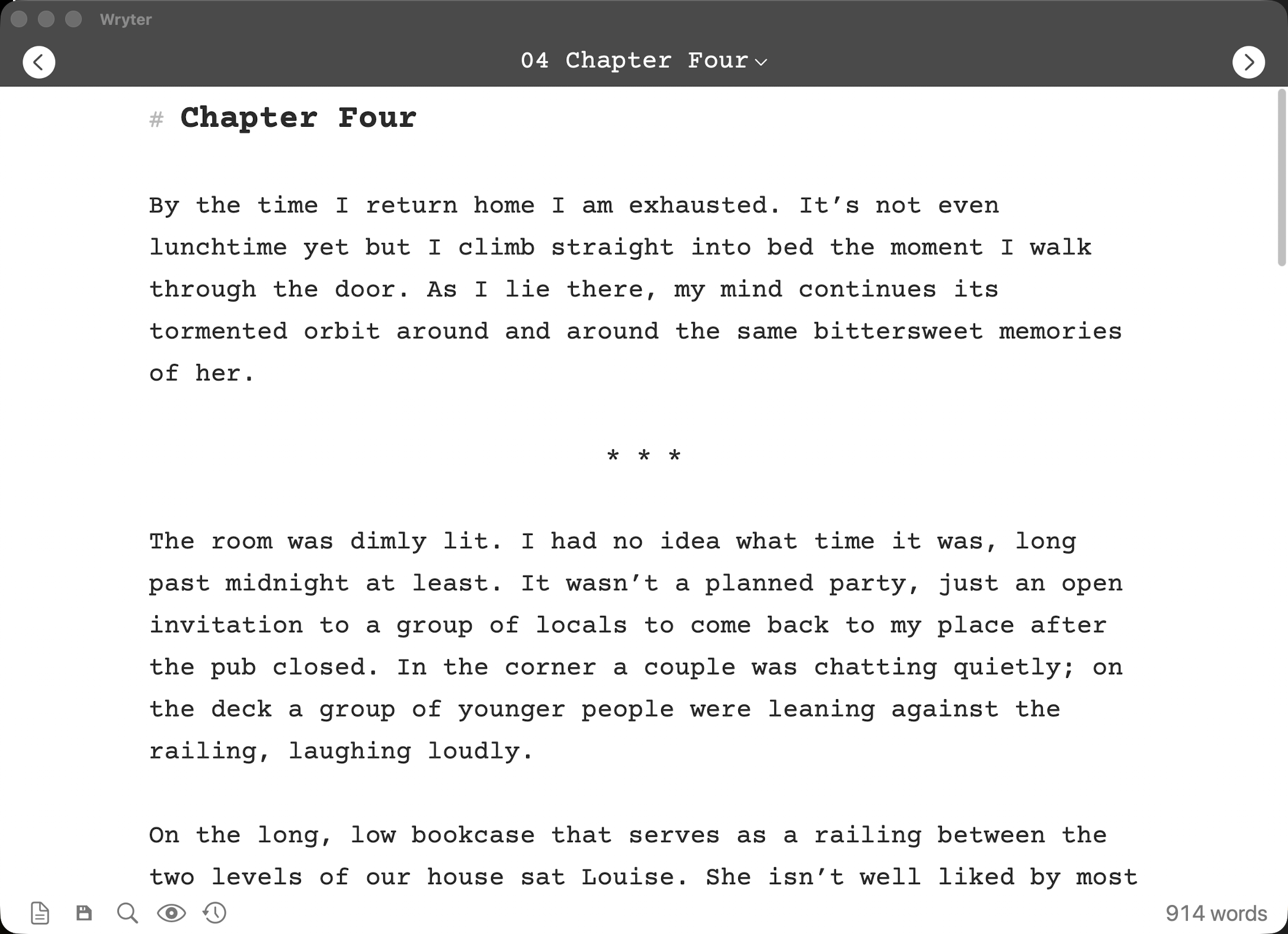
Distraction-free editor
A centred, readable manuscript page in Courier Prime, a faint word count, and inline Markdown that styles as you type — with nothing else in the way.
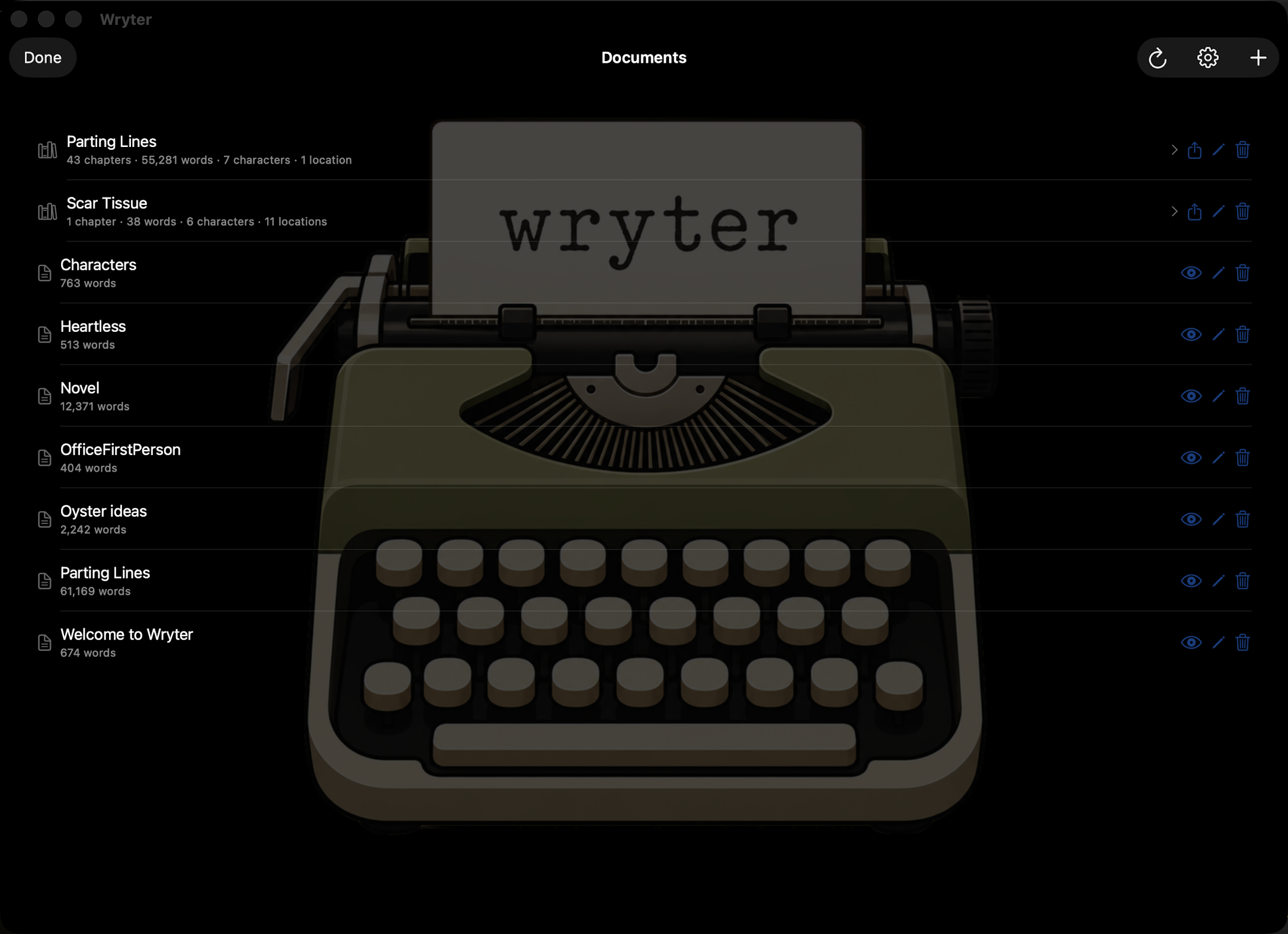
Manuscripts & chapters
Organise a book as a folder of auto-numbered chapters — reorder by dragging, and export back into one document. The shelf shows each manuscript's chapter and word counts at a glance.
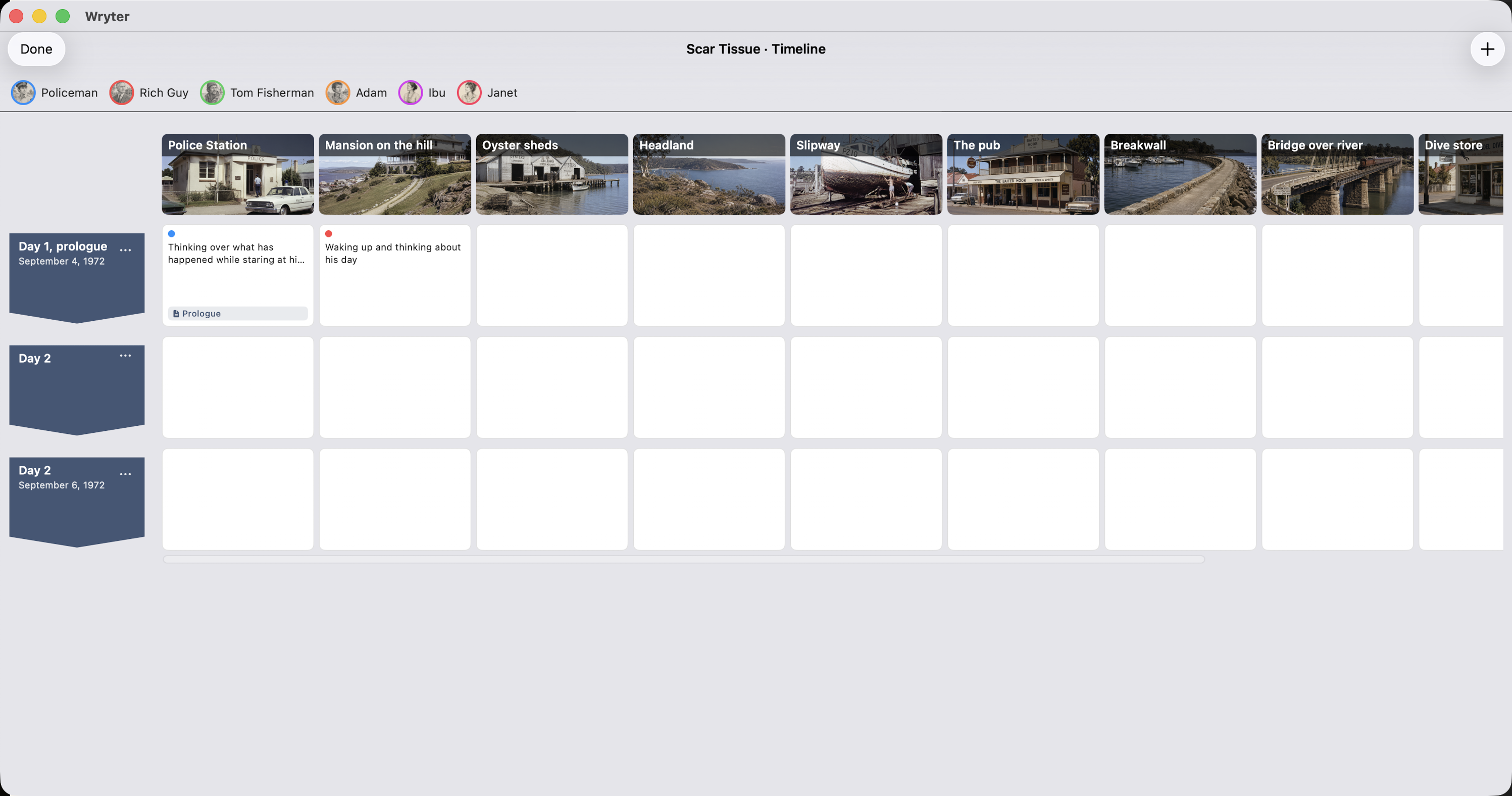
Plan your story
Plot your characters and locations on a timeline — each beat linked to the chapter that tells it, with photos, profiles and notes alongside.
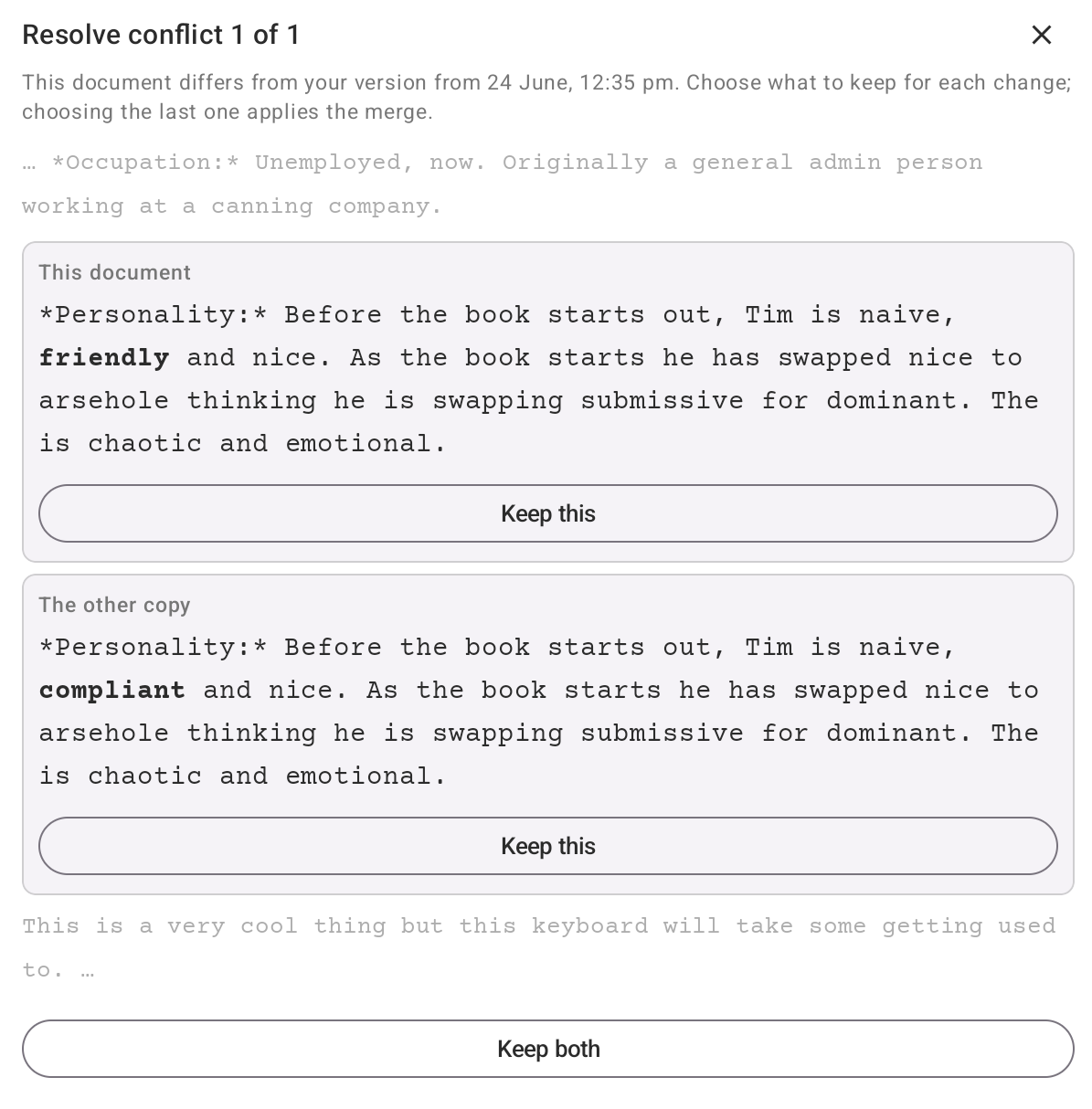
Resolve conflicting edits
Edit the same chapter on two devices and Wryter keeps both, then shows a clear merge with the changed words in bold — so you choose with confidence. Nothing is ever silently overwritten.
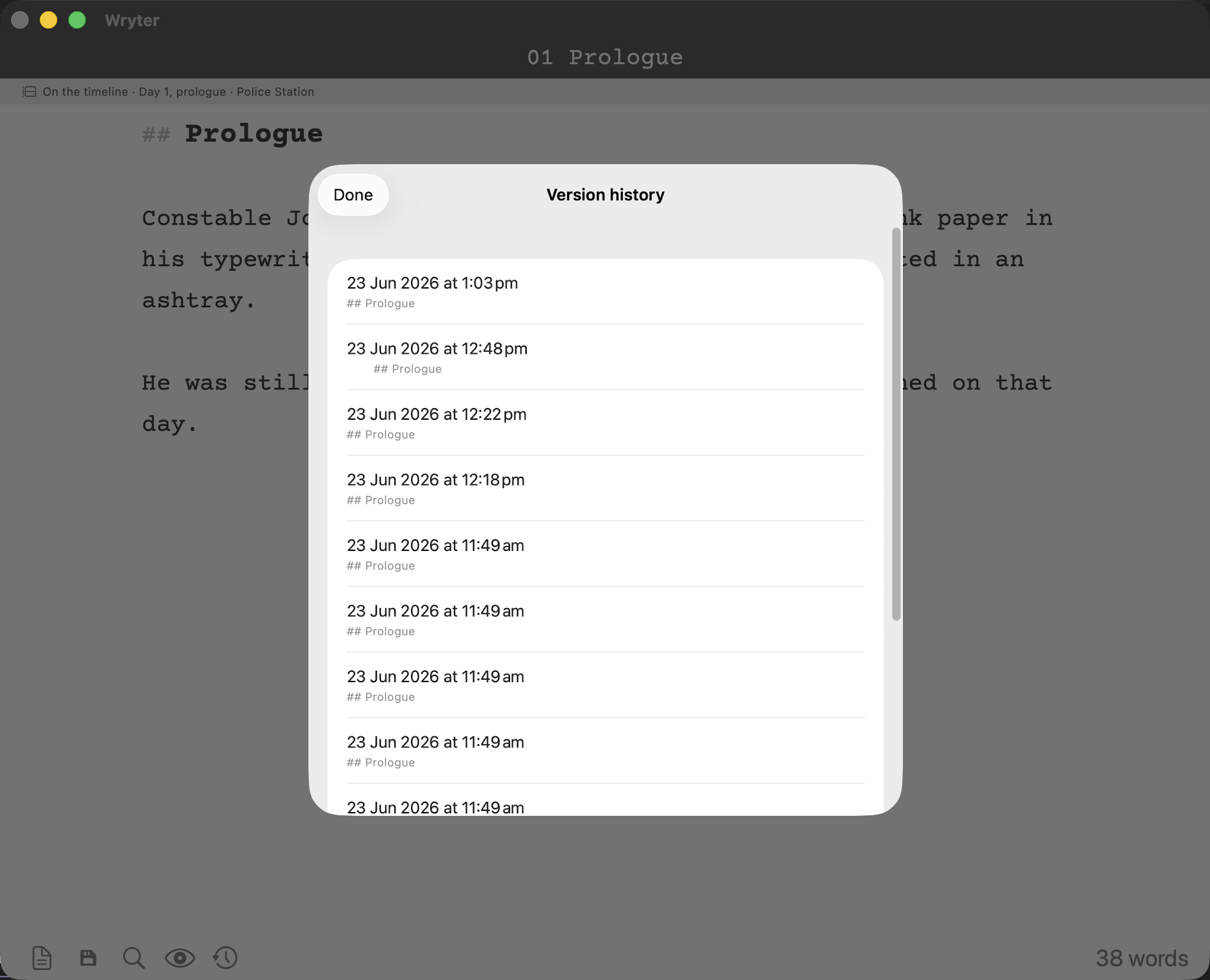
Go back in time
Wryter quietly keeps earlier saved versions of your work on the device. Open the clock to look back and restore any point in time — a safety net that's always there.
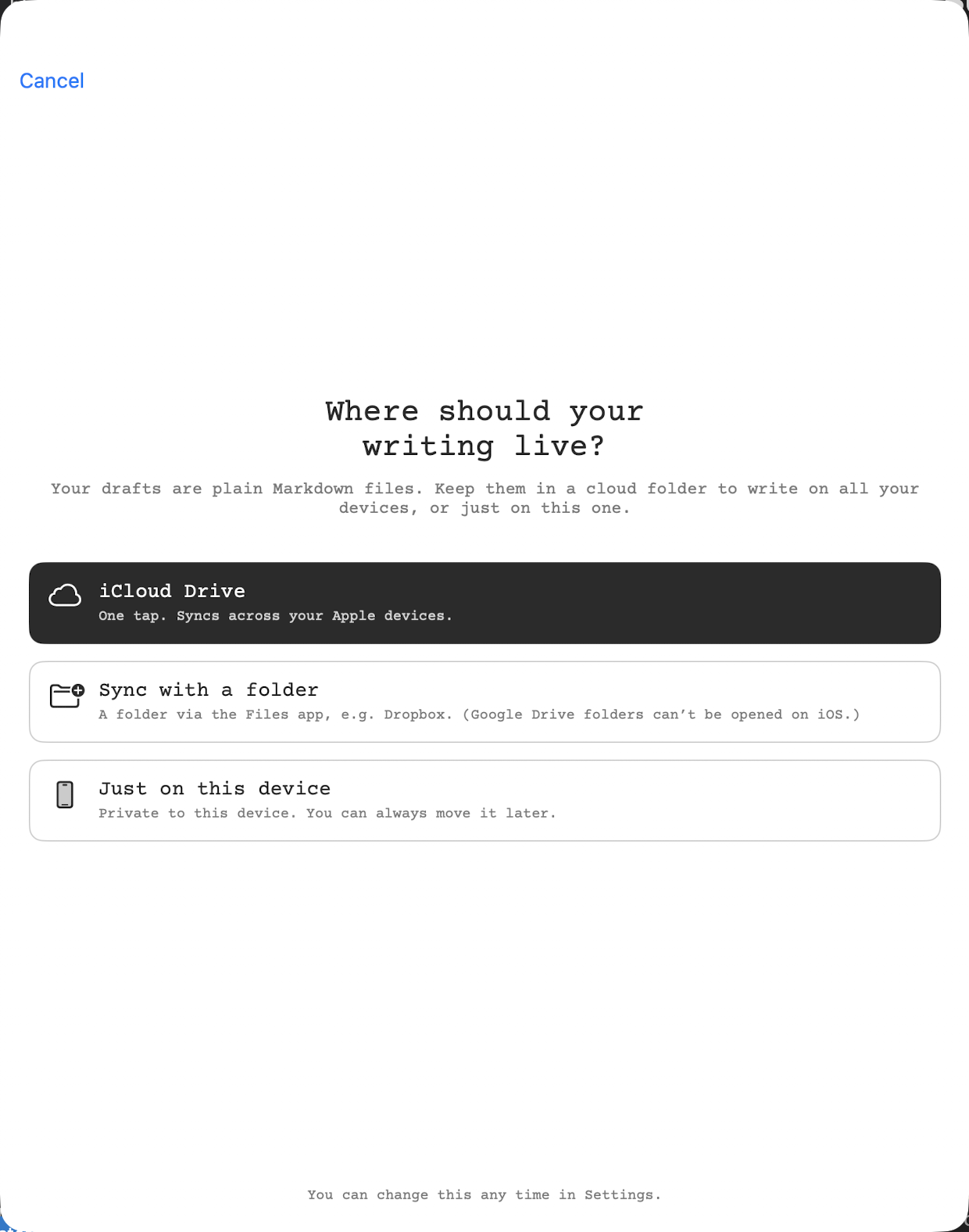
Yours, everywhere
Plain .md files synced through your own Google Drive — sign in once and your library follows you across Mac, Windows, Linux, iPhone, iPad and Android — or iCloud on Apple devices, a synced folder, or just this device. Light and dark themes, adjustable type, native spell-check. No Wryter account, no lock-in — your words stay plain text, yours to keep.
Download
The desktop apps are free. Pick your platform — each links to the latest release:
Android beta — two quick steps.
First join the wryter-testers group (Google Play grants beta access through this group), then opt in and install from Google Play.
iPhone and iPad are coming to the App Store soon.